Understanding DPI, PPI, and Print Resolution (Without the Confusion)
If you’ve ever tried to print a photograph and heard terms like DPI, PPI, or print resolution, you’re not alone in feeling confused. These terms are often used interchangeably, but they actually mean different things — and understanding them can be the difference between a stunning print and a blurry disappointment. Whether you’re a photographer, designer, or someone who simply loves preserving memories through prints, this guide will help you understand these concepts in the simplest way possible.
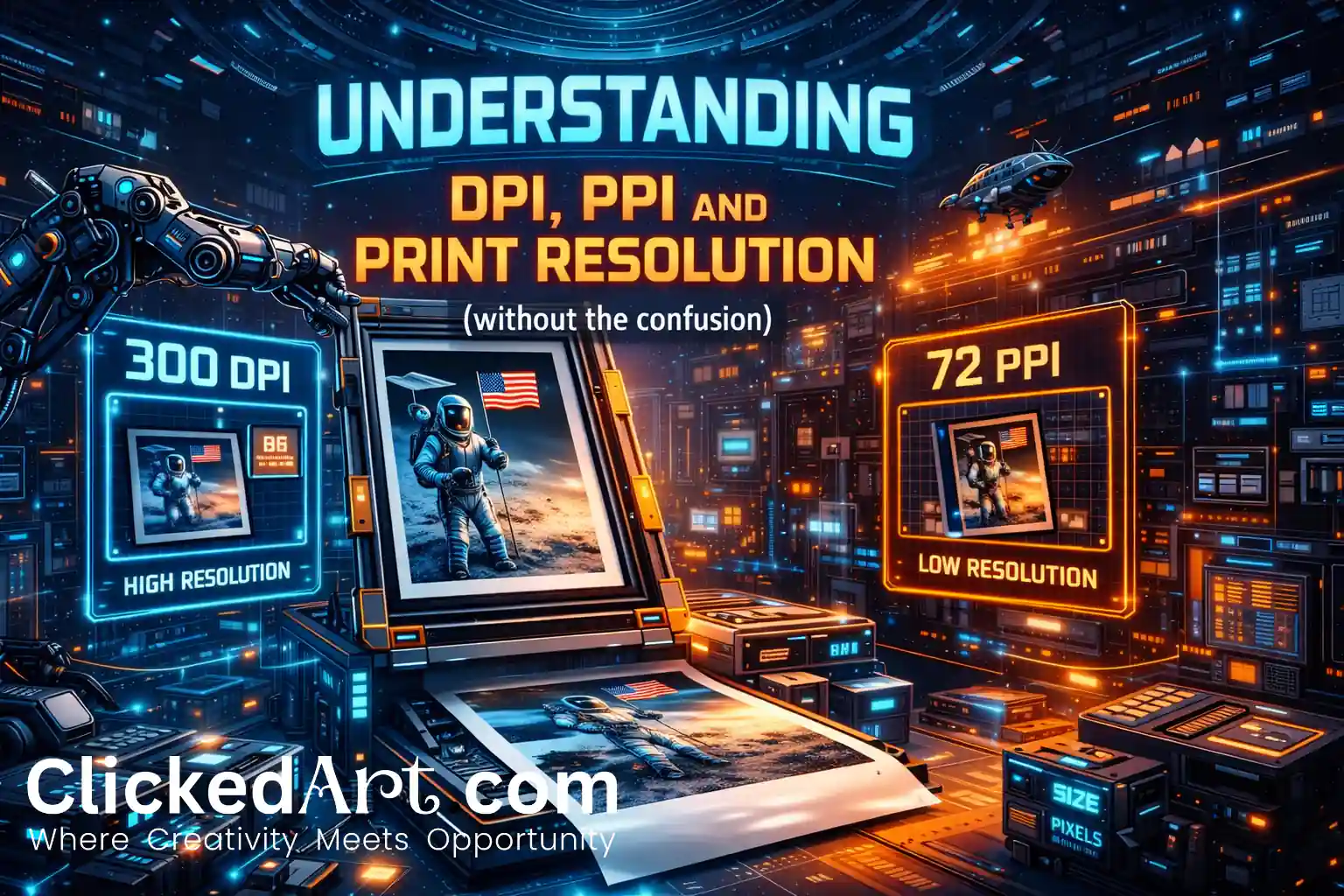
What is PPI (Pixels Per Inch)?
PPI refers to pixel density in a digital image. It tells you how many pixels are packed into one inch of an image when displayed or printed.
Think of pixels as tiny squares of colour. The more pixels you have per inch:
- The sharper your image looks
- The more detail your print can hold
For example:
- 72 PPI → Suitable for screens
- 300 PPI → Ideal for high-quality printing
Most professional photo printing labs and archival printers work best with images around 240–300 PPI for optimal clarity.
What is DPI (Dots Per Inch)?
DPI refers to printer output resolution — how many ink dots a printer places in one inch of paper.
Unlike PPI (which belongs to the image), DPI belongs to the printer hardware.
Modern professional printers can print at very high DPI (like 1200 or 2400 DPI), which helps create:
- Smooth gradients
- Accurate colour blending
- Fine details in prints
But here’s the key:
Higher printer DPI cannot fix a low-resolution image. If your original file lacks detail, the printer cannot magically add it.
What is Print Resolution?
Print resolution is the final quality of the printed image, influenced by:
✔ Original image pixel dimensions
✔ PPI of the file
✔ Printer DPI capability
✔ Paper type
✔ Ink quality
For example:
If you want to print an 18×12-inch photo at 300 PPI, your image should be around 5400 × 3600 pixels.
Why This Matters for Photography Prints
If resolution is too low, you may see:
- Blurry edges
- Pixelation
- Loss of fine detail
- Poor colour transitions
For fine art, archival, or gallery printing, resolution becomes even more critical because prints are often viewed up close and under good lighting.
Common Mistakes People Make
1. Confusing PPI with DPI
They are related but not the same.
2. Upscaling Low Resolution Images
Increasing size without real pixel data reduces quality.
3. Ignoring Print Size
A photo perfect for Instagram may not work for wall display.
4. Exporting Incorrectly
Wrong export settings can reduce print quality.
Quick Rule of Thumb
Use Case Recommended PPI
Social media- 72–150 PPI
Photo Books-200–240 PPI
Fine Art / Archival Prints-240–300 PPI
The ClickedArt Perspective
At ClickedArt, we always recommend planning your photograph with final print size in mind. The best prints don’t just happen at the printing stage — they begin at the moment of capture.
Understanding DPI, PPI, and print resolution ensures your photographs don’t just look good on screens, but truly come alive on paper — where they can last for decades.
Conclusion
You don’t need to be a technical expert to get beautiful prints. Just remember:
- PPI = Image pixel density
- DPI = Printer ink dot density
- Print Resolution = Final printed output quality
When these three work together, your photographs reach their full potential.